

Documentation for WordPress
Real documentation. Not a blog post.
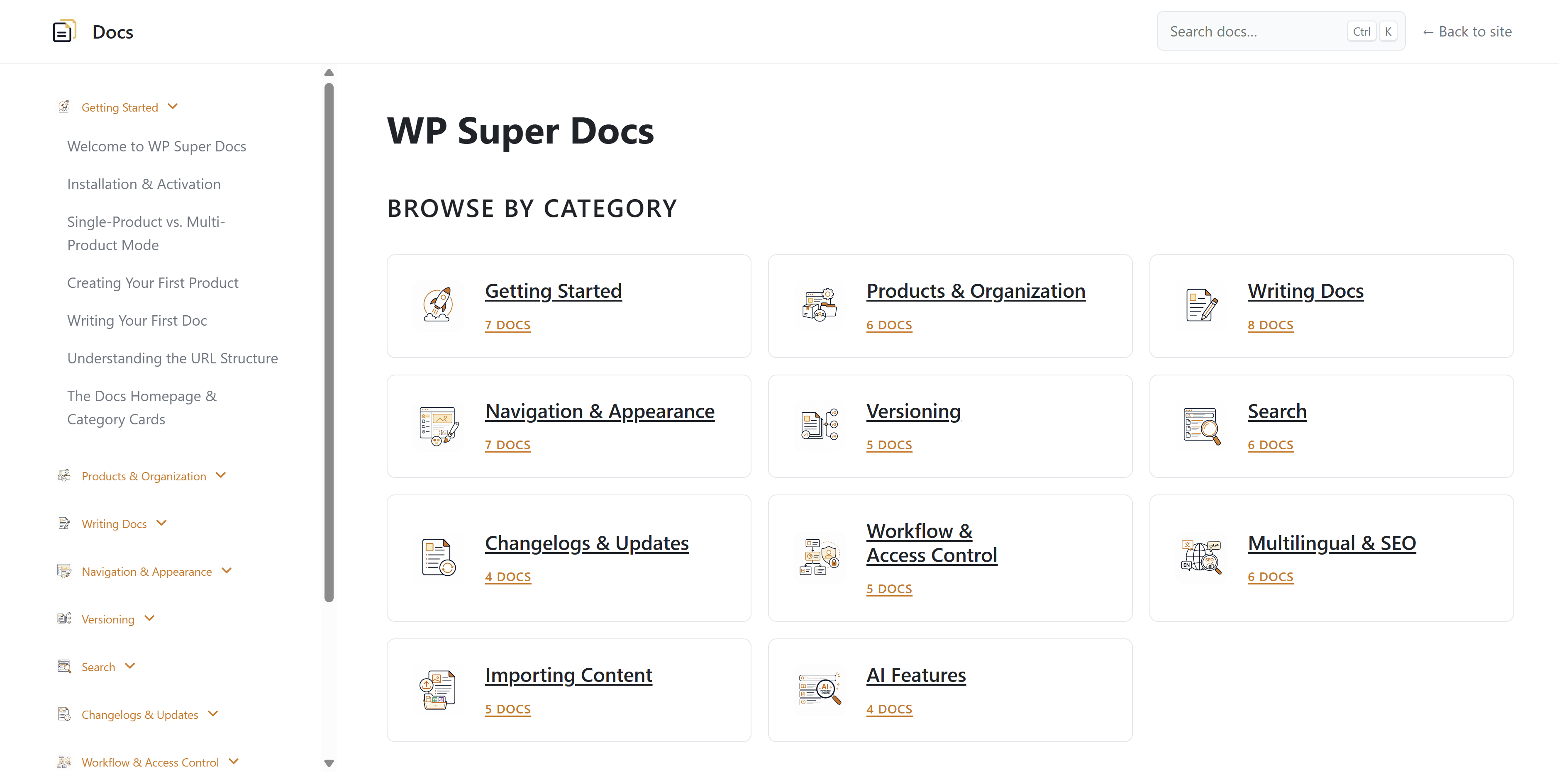
WP Super Docs runs in its own layout, on its own URL, inside the WordPress install you already own. Multi-product, versioned, searchable, and your theme never touches it.
Where your docs live
A subfolder or a subdomain. Same install either way.
Documentation gets its own URL space and its own HTML document, with its own topbar, sidebar, and footer. Your theme keeps running your marketing site. Neither one inherits the other's problems.
Runs at a filterable base slug. Change /docs/ to /help/, /kb/, or anything else.
You keep the install, the content, and the traffic.
Docs sit in your own database as a regular post type. They index on your domain, they back up with everything else, and they keep working the day you decide to stop paying anyone.
See it running
4 live docs sites, all on this plugin.
These are real installs, not screenshots. Click through and use the search, switch versions, toggle dark mode. It is the same plugin you would be buying.

Firewall rules, incident logs, and setup guides for a security plugin.
wpwafmanager.com/docs/
Consent modes, regional rules, and integration docs for a privacy plugin.
wpsmartconsent.com/docs/
Storage providers, CDN setup, and offload guides across several services.
wpmediacloud.com/docs/
Block reference and layout guides for a link presentation plugin.
wplinkcanvas.com/docs/What is inside
Built for documentation, not repurposed from a blog.
Standalone docs shell
Its own HTML document, topbar, sidebar, and footer. Light and dark themes with separate palettes.
Multi-product and versions
Group docs by product, give each one its own versions, and let readers switch from the topbar.
Instant search and analytics
AJAX search out of the box. See what people looked for, and what returned nothing at all.
Changelog and in-app widget
Per-product release notes with an RSS feed, plus a floating what's new widget for your app.
Review workflow and previews
Editorial states with Slack alerts, plus tokenized share links for drafts that expire when you say.
Multilingual and RTL
Deep WPML and Polylang support, 21 bundled translations, and a right to left layout built in.
Plays well with
Works with the stack you already run.
Most of these have no connect step at all. WP Super Docs checks what is active on your install and adjusts what it outputs.








Pricing
Own your documentation.
Every feature in every plan, including the ones we add later. Site count is the only thing that changes between tiers, and there is a one-time lifetime licence if you would rather not renew.
14 day money back guarantee, and 1 year of updates and support
